How to Use the System
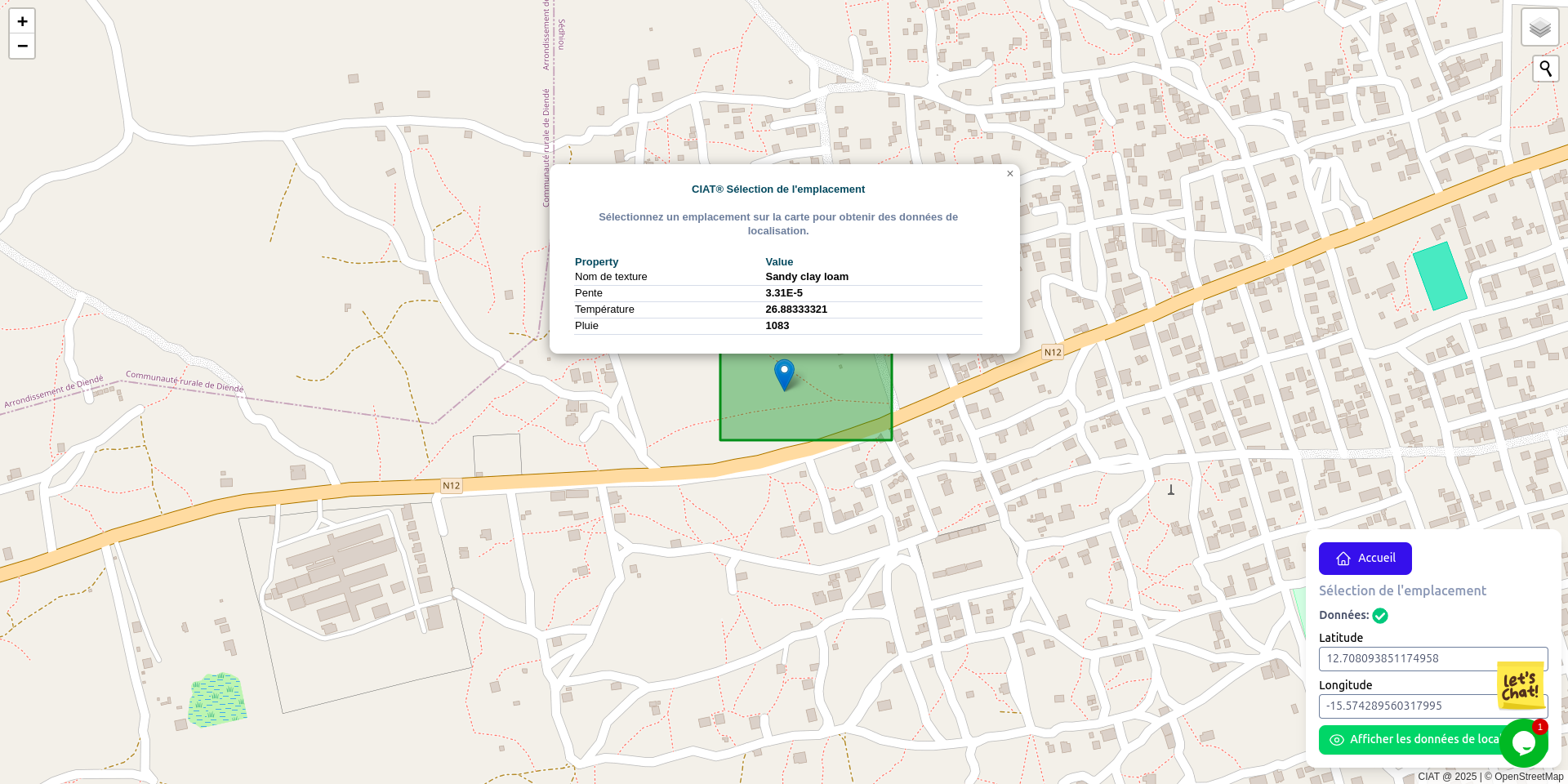
Select Your Location
Choose your location by searching or tapping on the map. Make sure location access is enabled. The system checks for available data at that point.
View Available Data
If we have data for the selected location, it shows up on the map. You can then continue to the next step via the button at the bottom right.
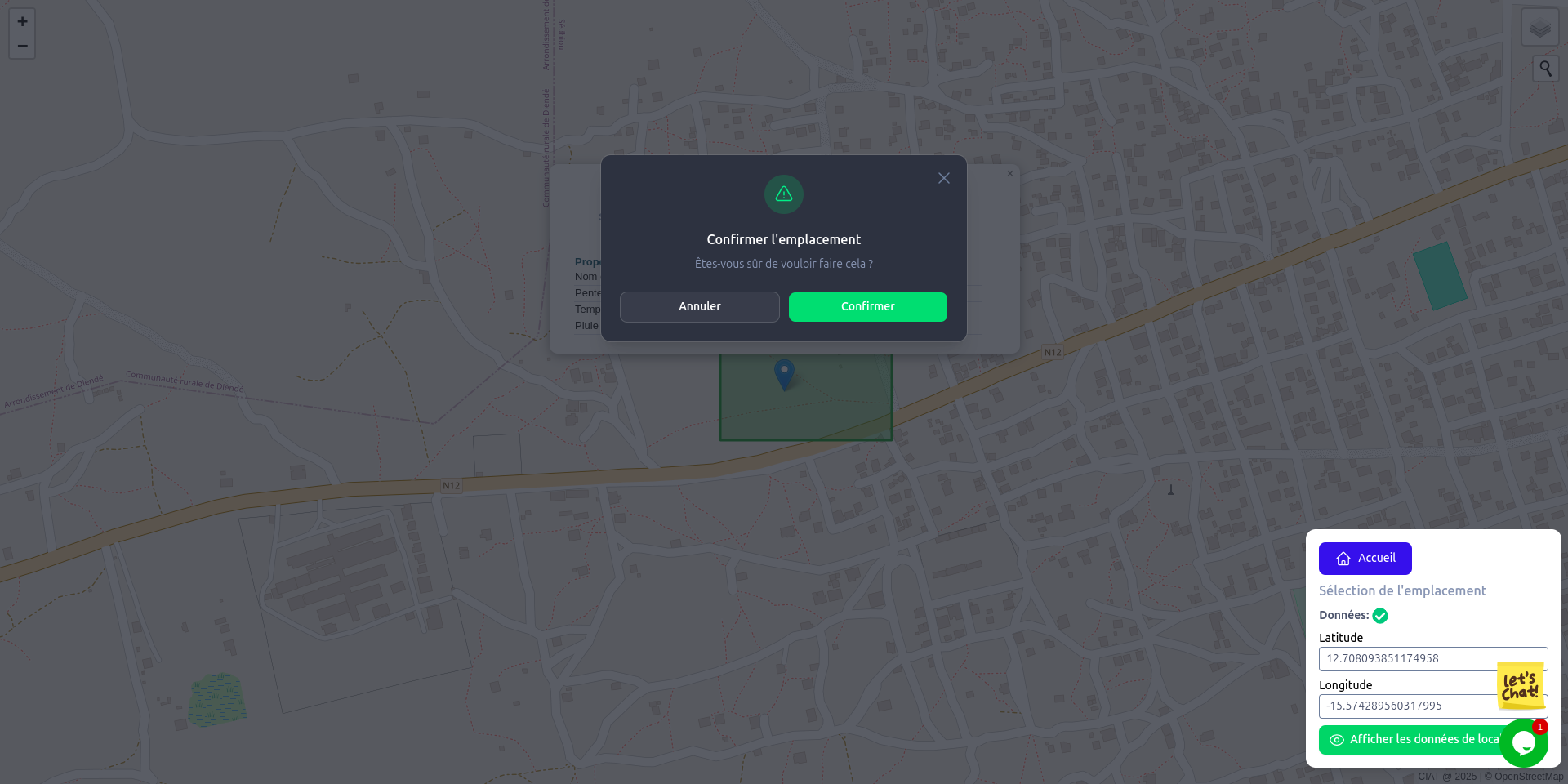
Confirm & View Recommendations
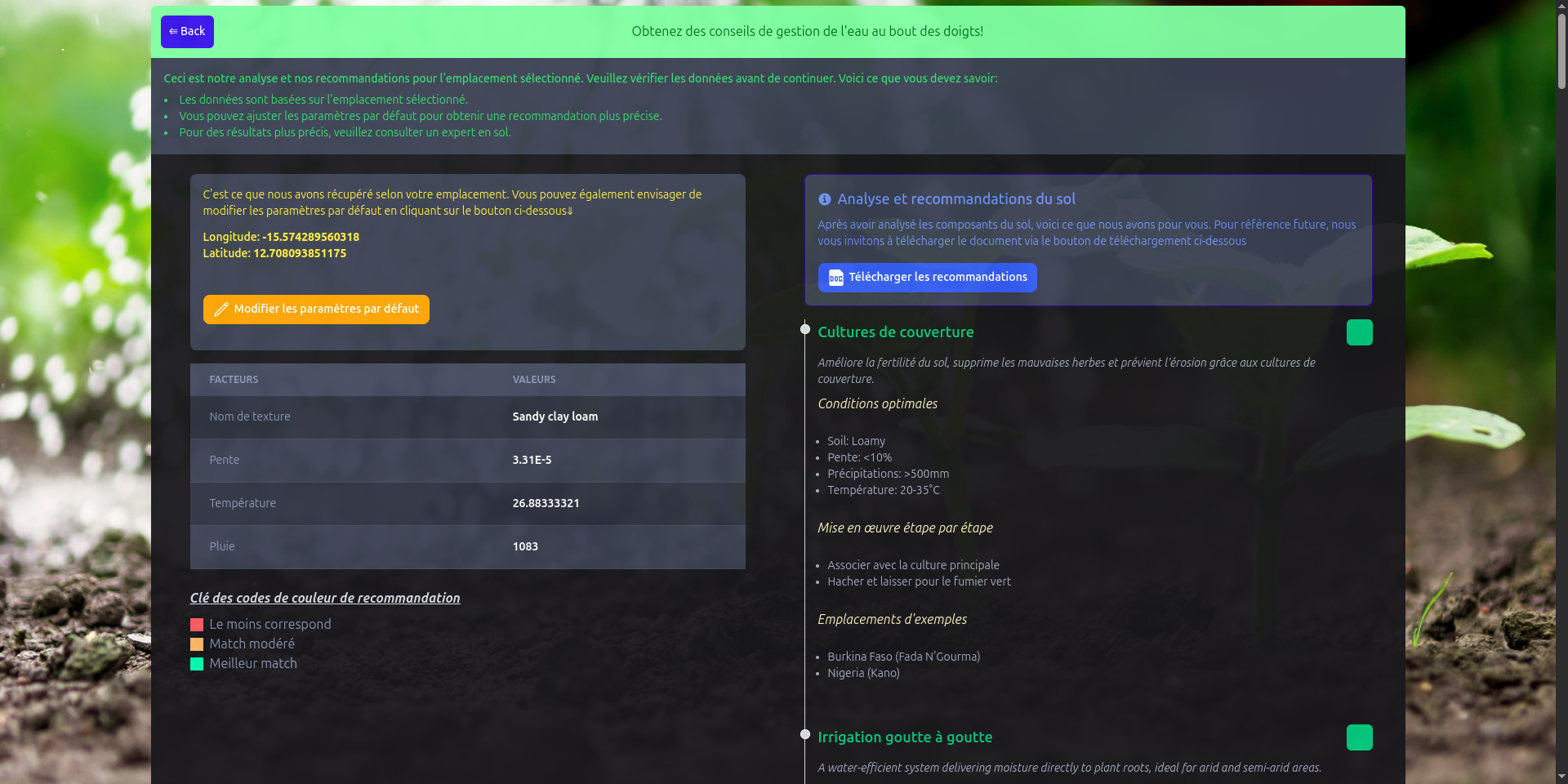
A modal will prompt you to confirm. Once done, you're directed to the results page with detailed recommendations.
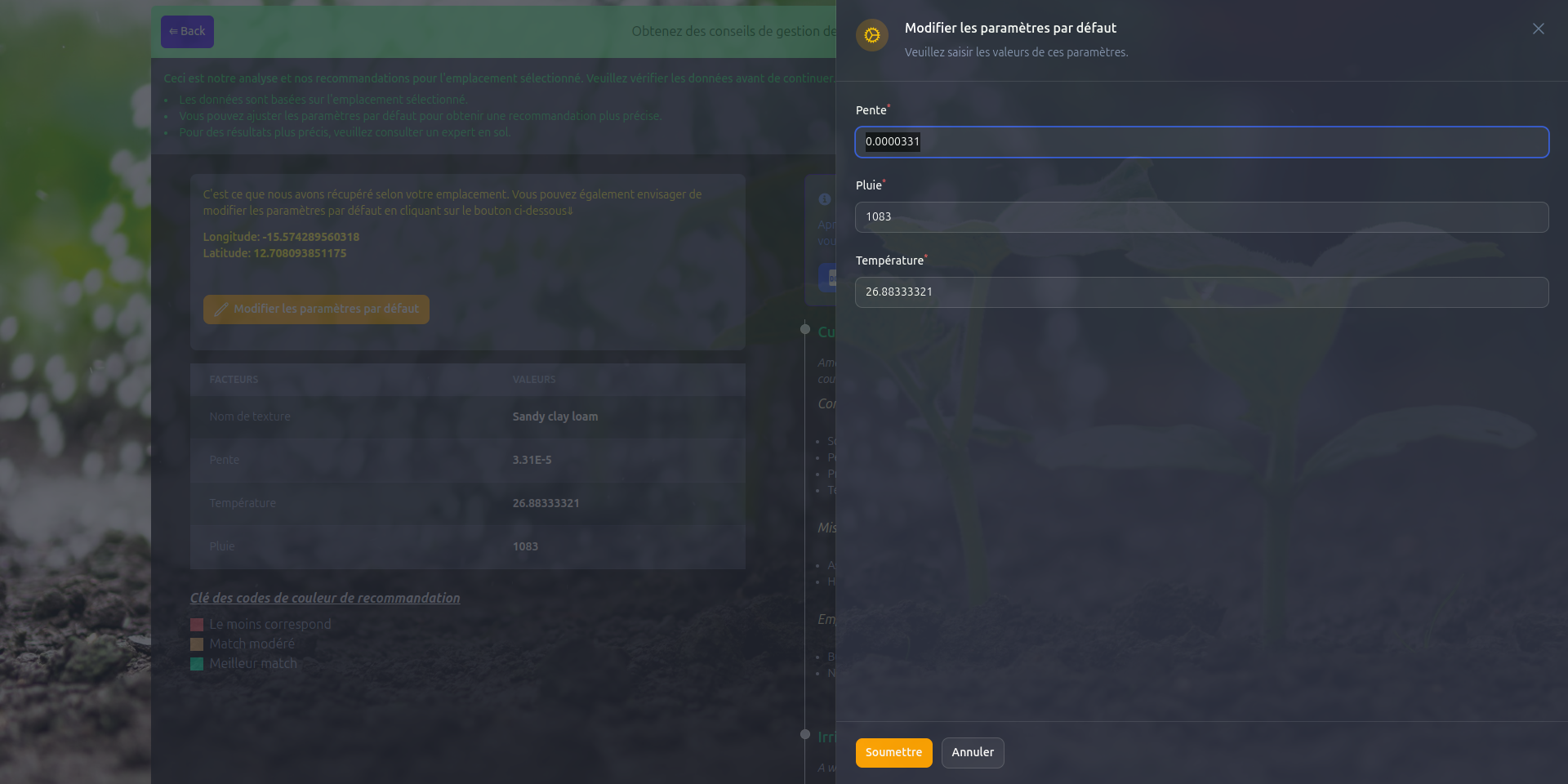
Adjust Component Parameters
You can modify three component values: Slope, Rain, and Temperature. The system will notify you when updates are available.
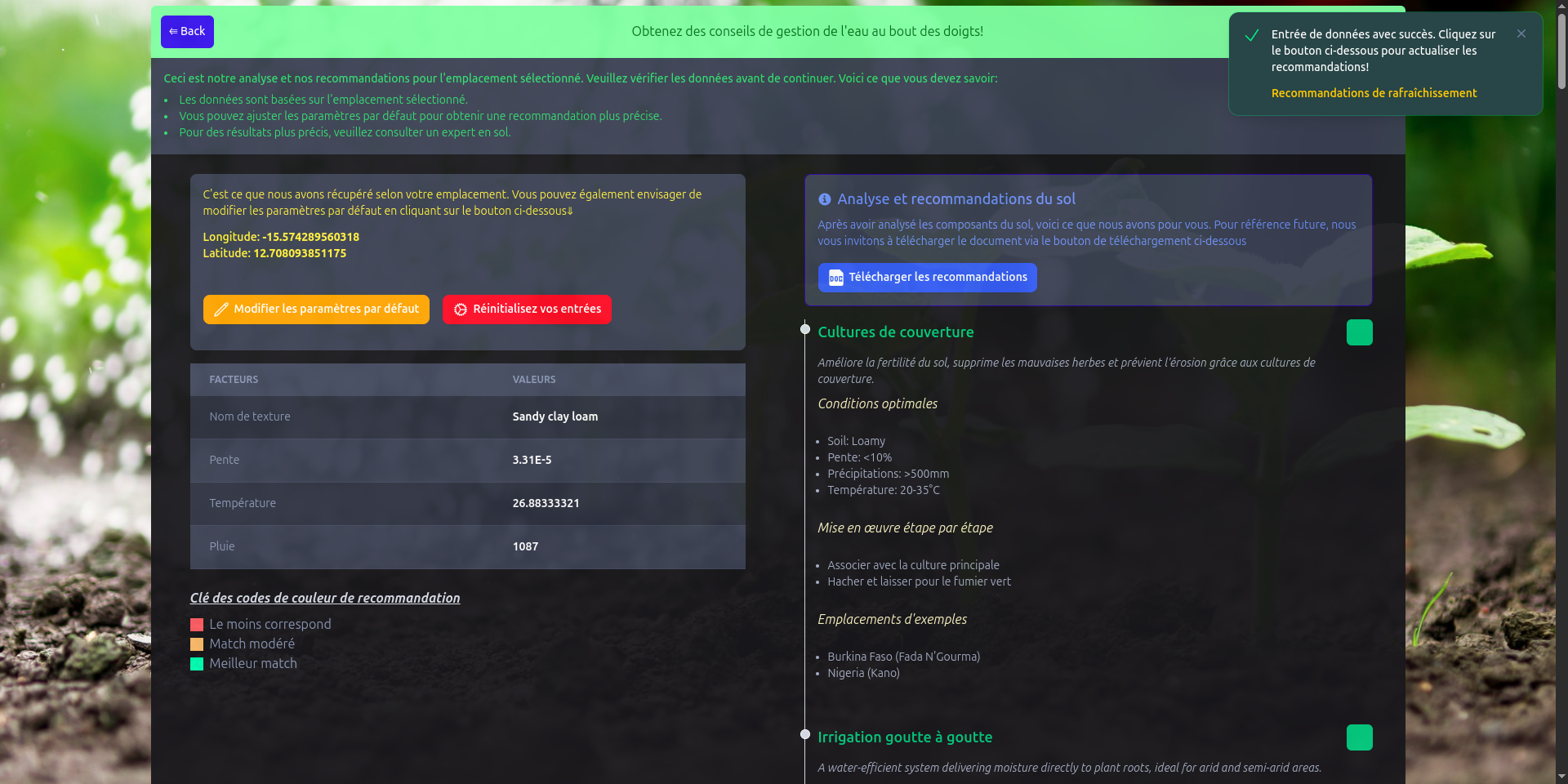
Refresh Recommendations
When you edit any parameter, a notification prompts you to refresh the data. Click to update your results based on the new inputs.
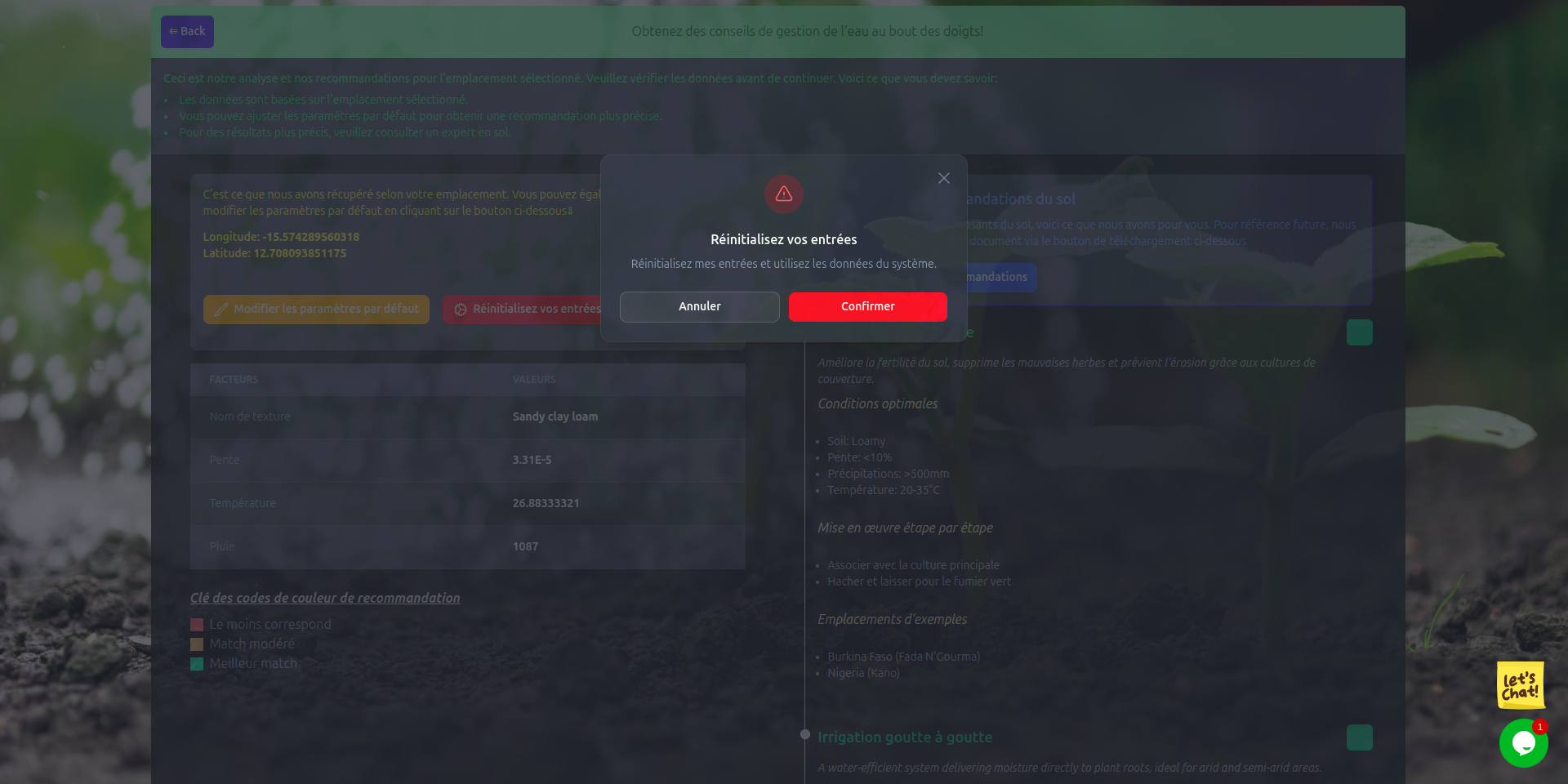
Reset to Defaults
Not happy with your edits? You can always reset your values and return to the original system recommendations for the location.
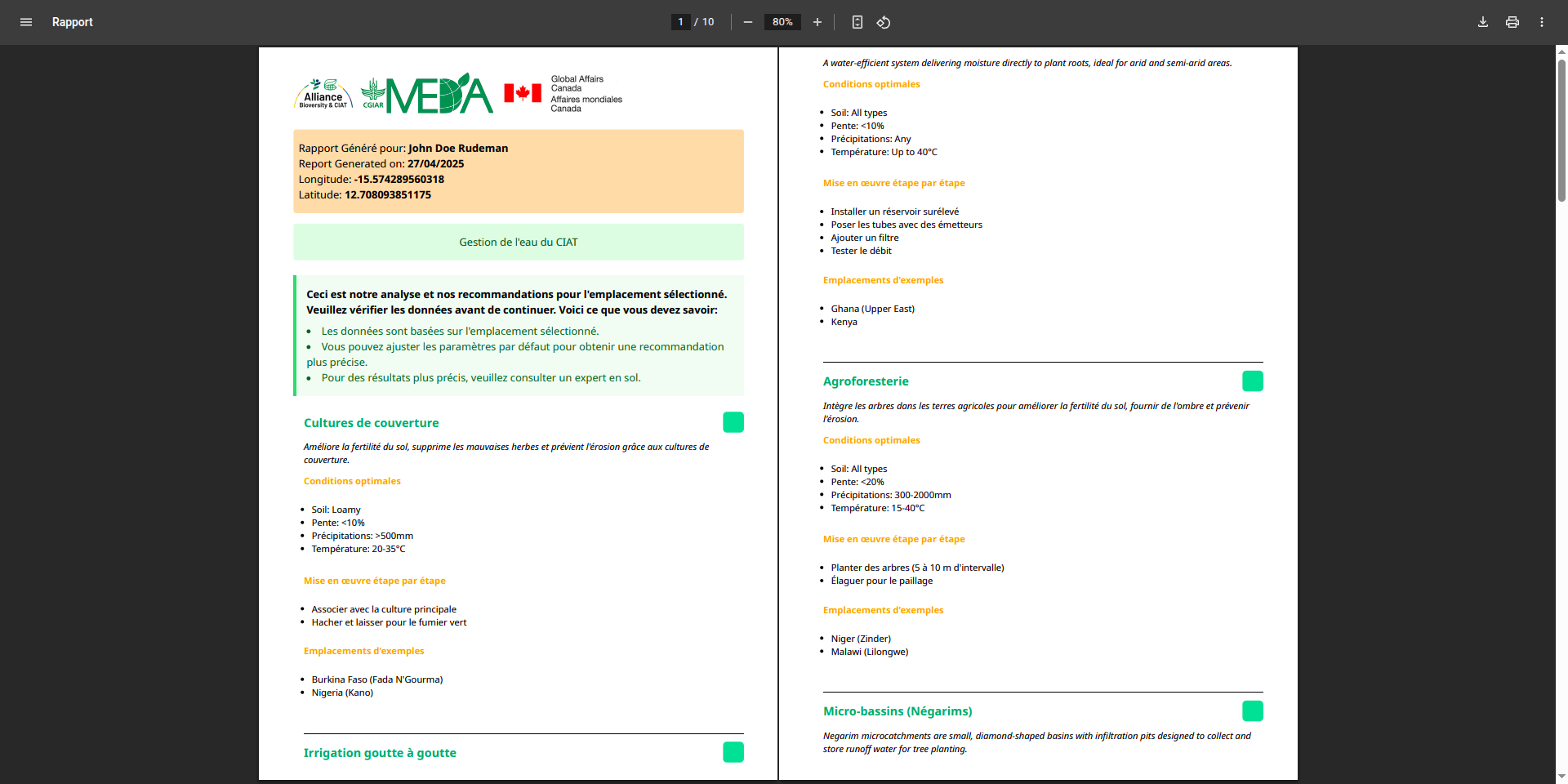
Download Your Report
To get a downloadable PDF of the recommendations, input your name in the modal that appears, then click submit. Your PDF will be generated instantly.